Share your sightings with science
What Contribute to Marine Science sends to OBIS, EMODnet and GBIF, what never leaves DIVR, and how to turn it off.
Using DIVR2 min read
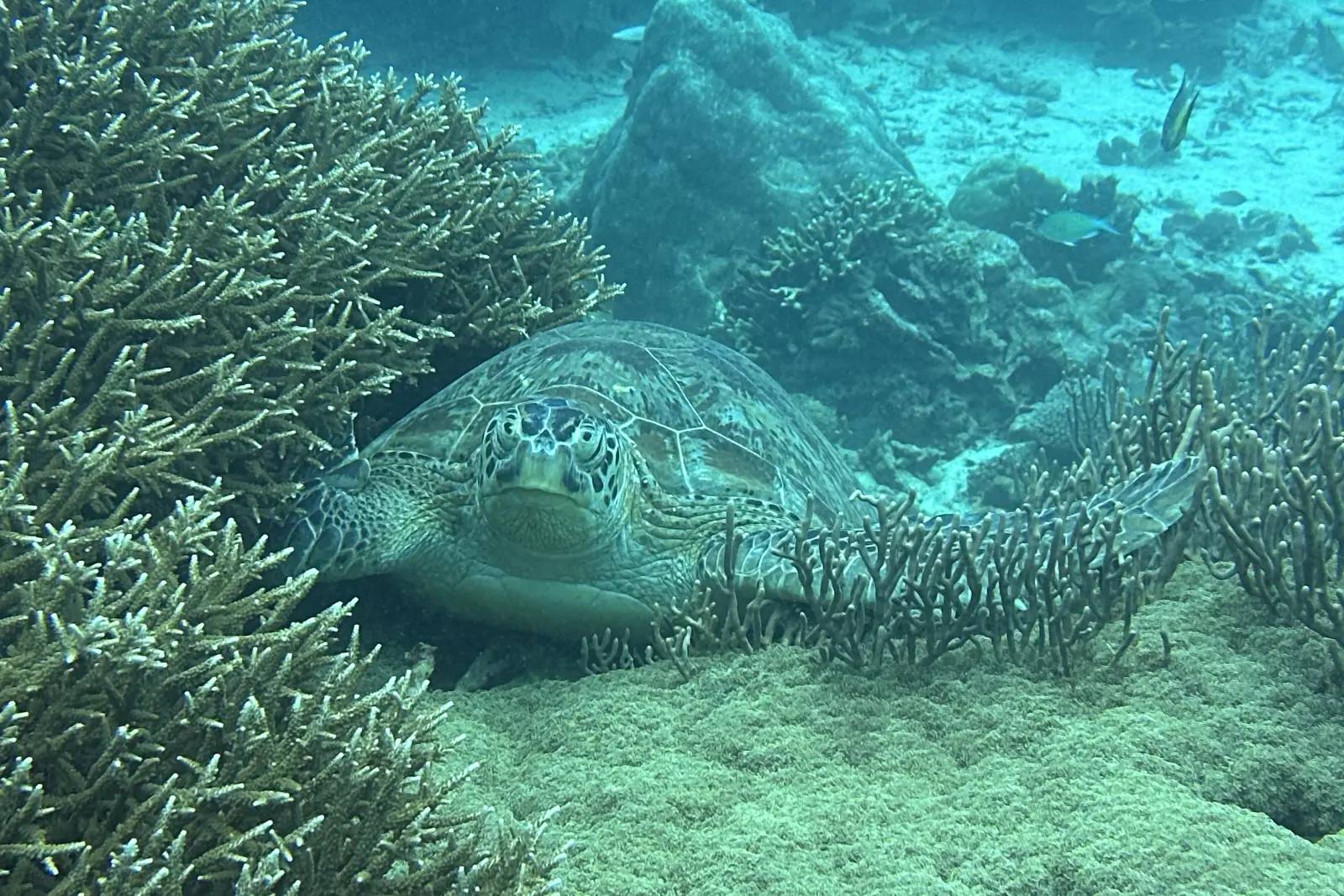
Your species sightings can become biodiversity records in the open databases that researchers and marine parks use. That only happens if you choose it. This guide explains exactly what is shared, what is not, and what it means once a record is out.
It starts off
Sharing with science is off until you turn it on. The app asks you on a screen called Help real reef research: Count me in turns it on, Maybe later leaves it off. Either way you can change your mind at any time in Settings.
Open Settings
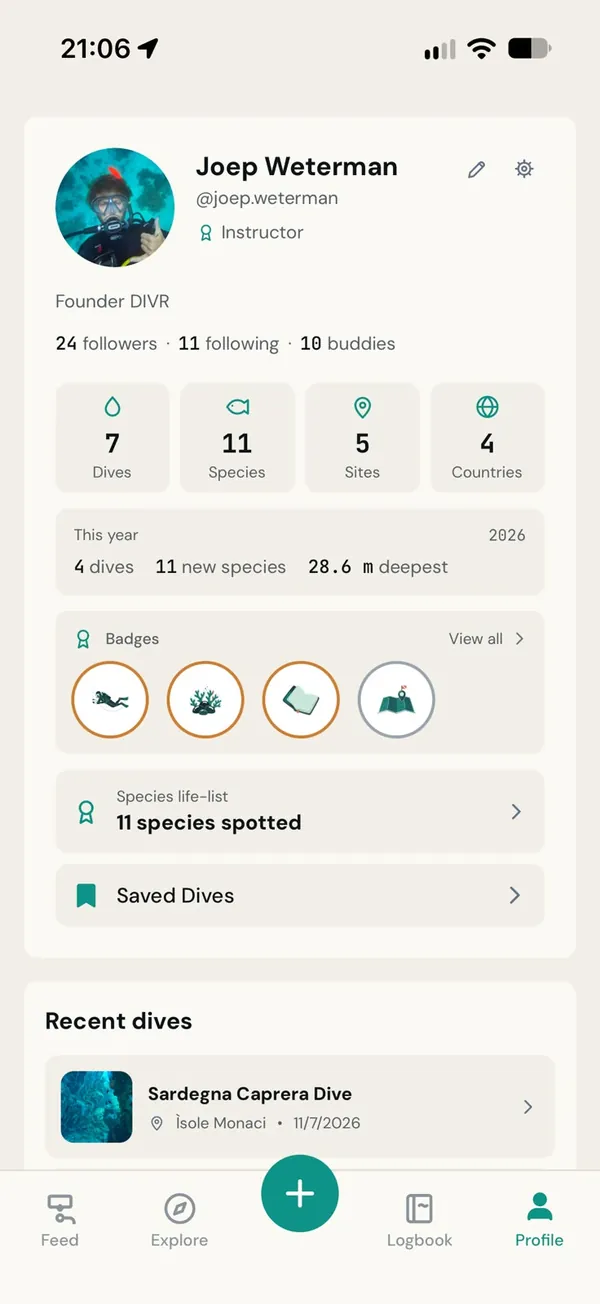
Go to your profile and tap the settings icon.
Find Contribute to Marine Science
Its subtitle reads: Share observations with OBIS, EMODnet, and GBIF. Switch it on or off.
What stays private
Your identity is replaced with an anonymous research ID. Your name, email, username, profile and dive buddies are never part of an export. The research ID stays the same across exports, so a researcher can tell that several records came from one careful observer without knowing who that is.
Some species are protected at some sites. When you add an ID photo of one there, the photo starts private: it goes to the marine park and nowhere else, and stays out of the open data. The sighting itself is still shared.
Public means public
A record that reaches OBIS or GBIF is public, and you should treat it as permanent.
That is the point of those databases: anyone can download the data, and people do. If you later turn sharing off, choose Keep my data private or delete your account, DIVR queues your earlier records for removal and asks the databases to take them down. Copies that others have already downloaded cannot be recalled.
Keep my data private
Under Data Sharing in Settings, Keep my data private is the stronger switch. It keeps your data out of third-party research databases entirely, and it also covers the California (CCPA) opt-out. The app asks you to confirm, because turning it on queues your earlier records for removal.
If you want to be part of it, the most useful thing you can do is simple: add the species you saw carefully, and leave out what you are not sure of.