Add the species you saw
Search by common or scientific name, say how many you saw, and why 'not seen' counts as a record.
Using DIVR3 min read
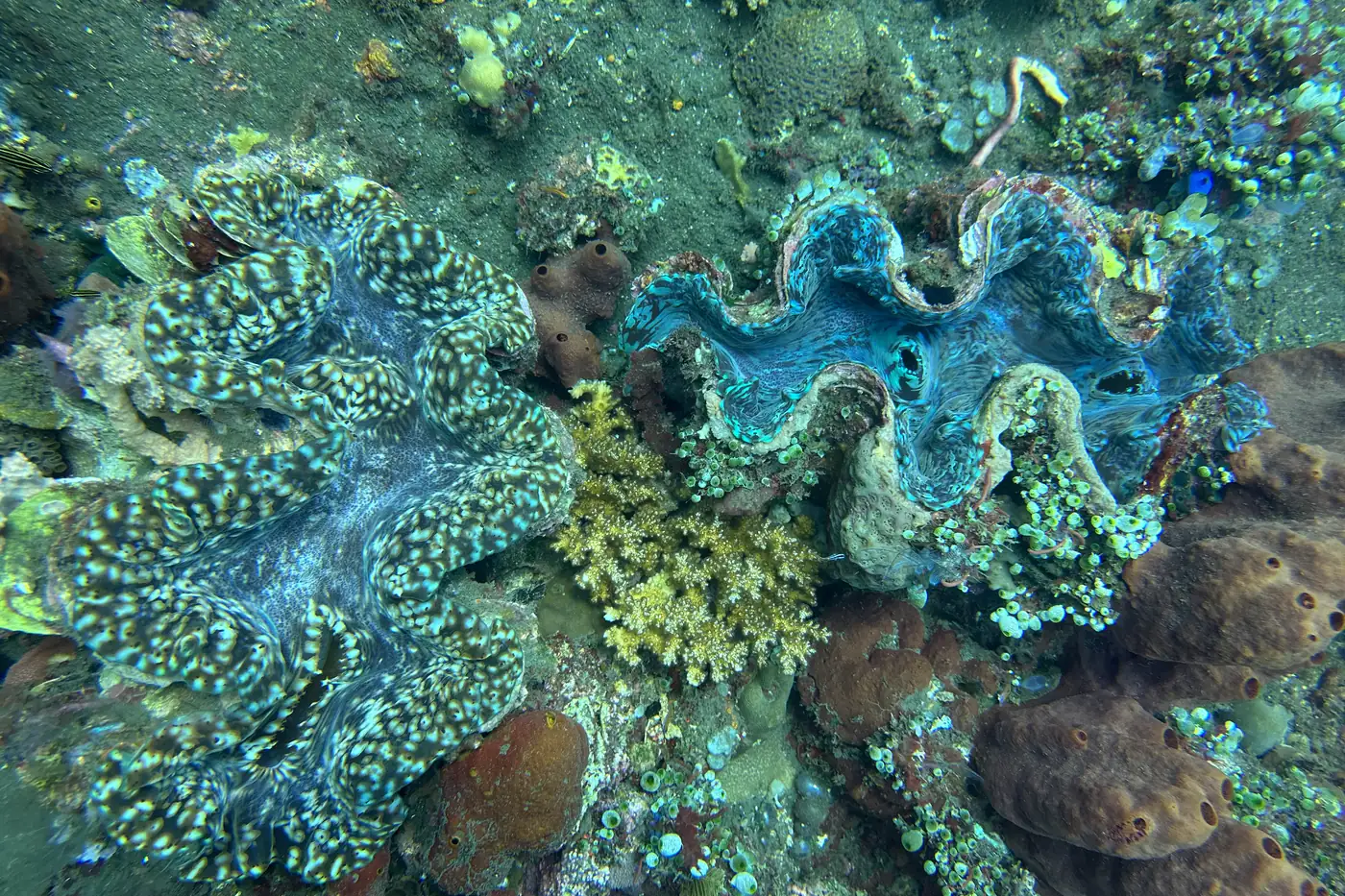
Species sightings are the part of a dive log that other people can use. Adding them takes a minute if you do it while the dive is fresh, and every name you pick is checked against the World Register of Marine Species, so the record means the same thing to a researcher as it does to you.
Where species go
In the Log a dive form, open Contribute to science. Under Species sightings the app asks you to tag the marine life you saw. You can do this while you log the dive, or come back to it by editing the dive later.
Add a sighting
Tap Add species
Find a species opens. Type at least two letters in Search by common or scientific name… to search the catalogue.
Pick the right name
Choose the result that matches what you saw. Common names vary by country and language, so if two results look alike, the scientific name settles it.
Add the details
Tap the sighting to open it. Abundance is Single, Few, Many or Not seen. If you counted, put the exact number under Quantity, and use Notes for behaviour, size or anything that helped you identify it.
Keep going
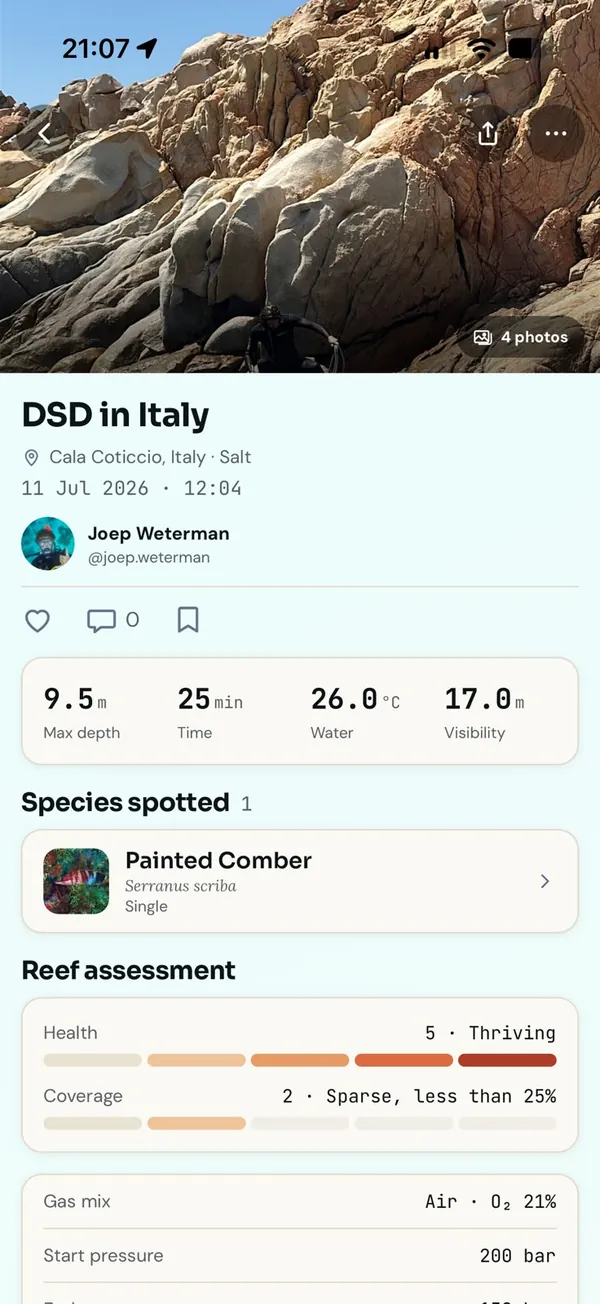
Tap Add another for the next one. When you save the dive, the sightings are saved with it and show on the dive page under Species spotted.
The quick species check
When your site has a country, the form also shows a quick species check: a regional checklist of species typically seen there. You tap through it instead of searching, which is the fastest way to add a lot of sightings at once. Each species takes one letter:
- S: one animal.
- F: two to nine.
- M: ten or more.
- No: you looked for it and it was not there.
- ?: you are not sure, and nothing is recorded.
Why not seen is a real record
Most logbooks only record what was there. But if you looked for something and it was missing, that is worth writing down too. A species that divers stop seeing at a site is exactly the kind of change that nobody notices until it is too late, and it only shows up if someone records the absence. Use No when you were genuinely looking, and ? when you were not.
When you are not sure
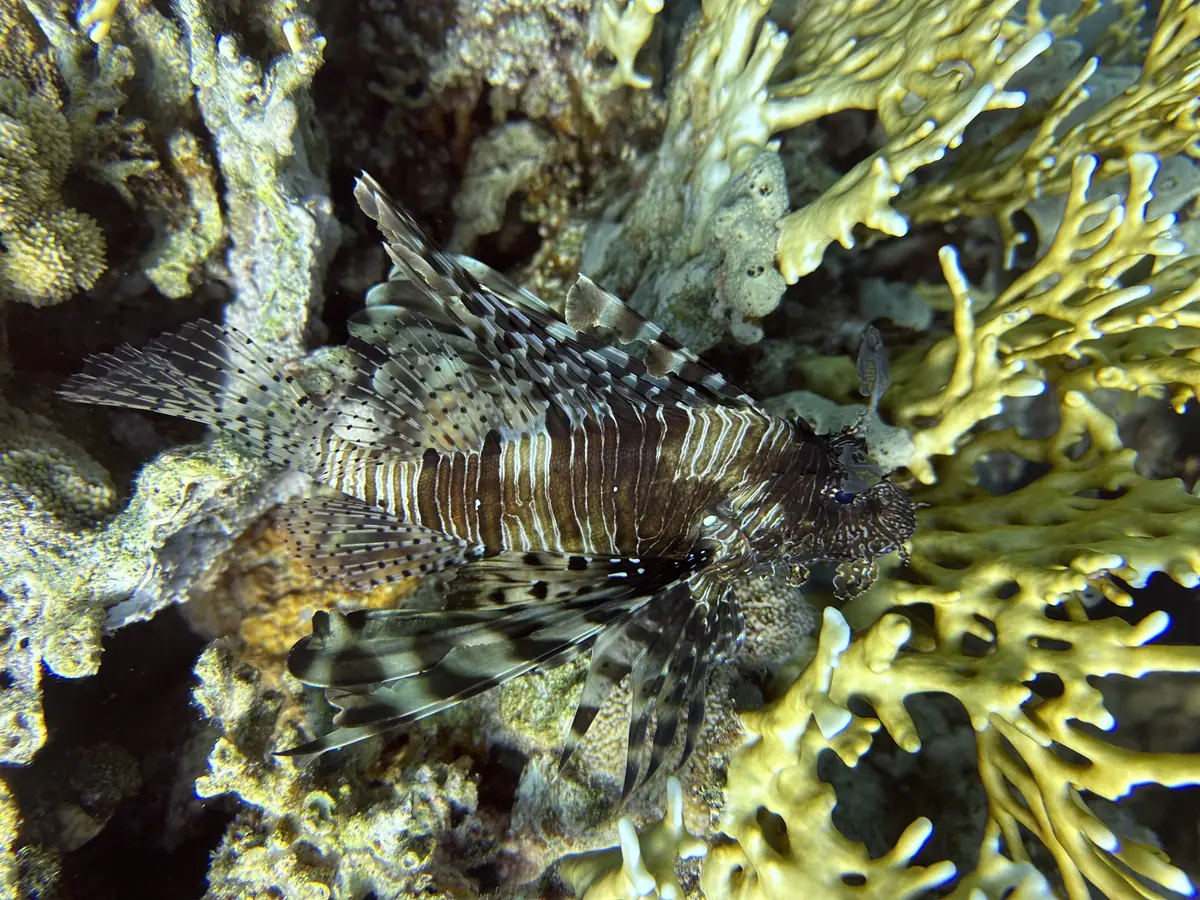
A wrong name is worse than no name, because it looks like data. If you cannot tell two lookalikes apart, leave the sighting out and write what you saw under Observations instead. Tag a species on an observation and the note becomes findable from that species, so nothing you noticed is wasted.
A photo helps most. You can attach an ID photo to a sighting, and where a marine park reviews sightings at the site, that photo is what lets it confirm what you saw. Better underwater photos for better records covers what makes a photo useful for this.
Your life-list
Every species you log also goes on your profile as your species life-list. It is a nice side effect, but the real value is the record itself: a named species, at a named site, on a known date.