Log your first dive
From the + tab to the Dive logged message: what each part of the form is for, and what can wait.
Using DIVR3 min read
A dive log is only as good as what you remember, and you remember the most in the hour after you surface. This guide walks through the Log a dive form in the DIVR app once, so the next time it takes you less than a minute.
Before you start
DIVR runs on iPhone, Android and the web, and it is the same logbook everywhere. The steps below follow the phone app, because that is what most people have on the boat.
No signal is fine. When you are offline the app says so, and a dive you save is kept on the phone and synced when you reconnect.
Log it step by step
Tap the + tab
The plus in the middle of the tab bar opens Log a dive. Everything below happens on this one screen.
Pick a dive site
Tap Pick a dive site and type in Search sites…, or tap Find sites near me to list the sites around you. If yours is missing, choose Create new dive site, give it a name and a country, and drop a pin if you can. The location is optional and can be added later.
Give it a title and check the date
A title and a date are the only other things DIVR needs. If you add a photo that carries a date, the form offers to use it, which saves typing when you log a day later.
Set depth and duration
Both are sliders. They are optional, but they are what makes a logbook worth reading back, and your totals are built from them.
Add photos
Up to 10 photos or short clips per dive. Mark a photo as Species and tag what it shows, and it counts towards that species.
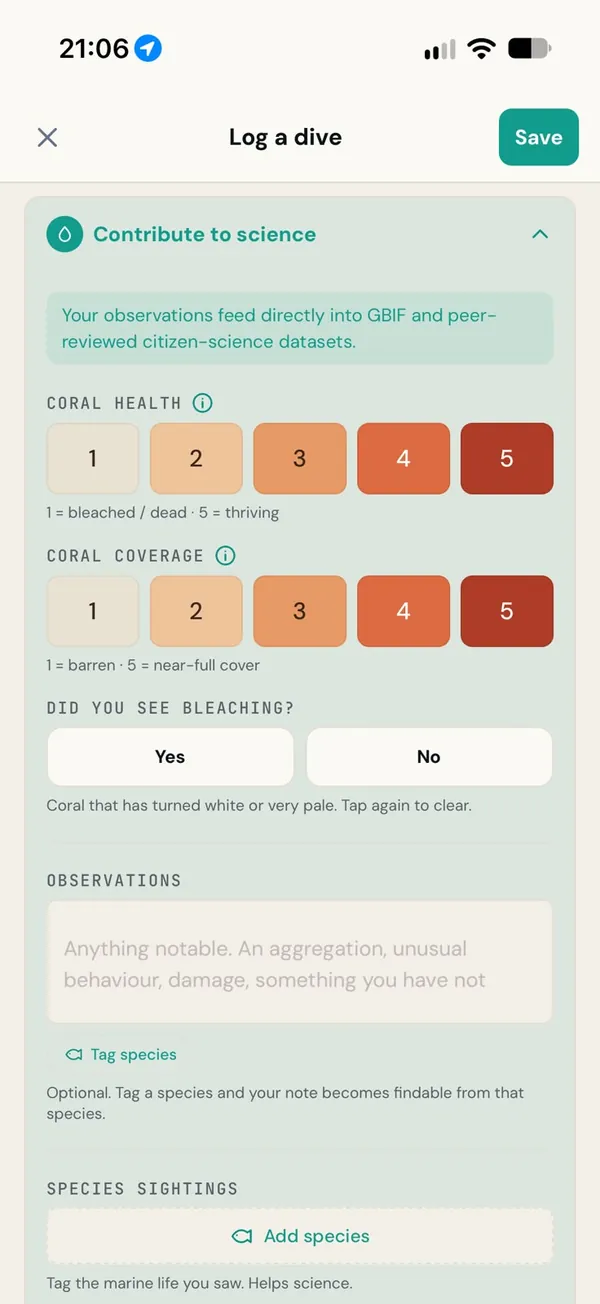
Open Contribute to science
This is where the species you saw and the state of the coral go. Both have their own guides, linked below, and both are optional.
Decide who sees it, then save
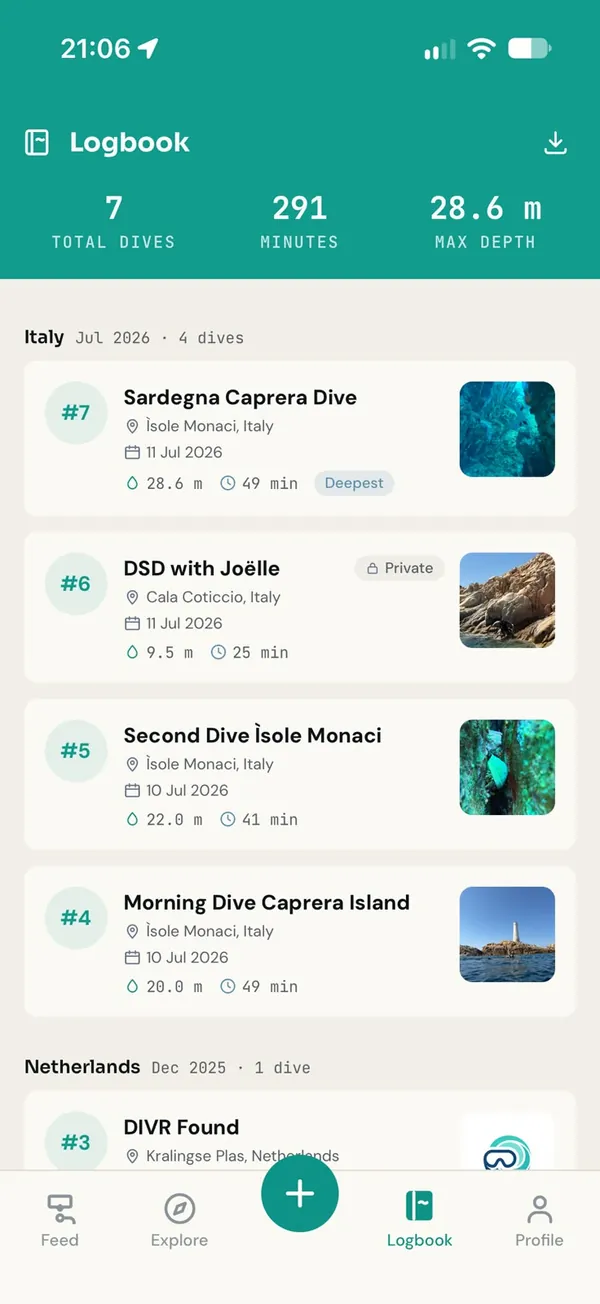
Share with the community is on by default. Turn it off to keep the dive private in your logbook. Tap Save and you will see Dive logged.
What can wait
Further down the form are Conditions, Gear & gas, your dive buddies and the dive school that ran the dive. Fill them in when you have them. None of them stops you saving, and you can edit a dive later from its own page.
If you dive with a computer, you do not need to type the numbers at all. Import dives from your dive computer explains how to bring them in from a file.
Why the site matters most
Of everything in the form, the site does the most work. A dive computer records no position underwater, so the site is what puts your dive on the map. It is also what turns a species or a coral rating into a record someone else can use: a sighting without a place is a memory, a sighting with one is data.
Log it before your hair dries. The details you skip today are the ones you will not remember next week.
Once you have logged a few, add the species you saw and rate the coral. They take a minute each and they are the part of your log that outlasts the trip.